• Blog
  • FAQs
  • Freebies
  • Reviews
  • About
  • Leveled Book List
  • Buy

Save Time with the Microphone on Your Phone

January 27, 2014 by mybookboost

microphone

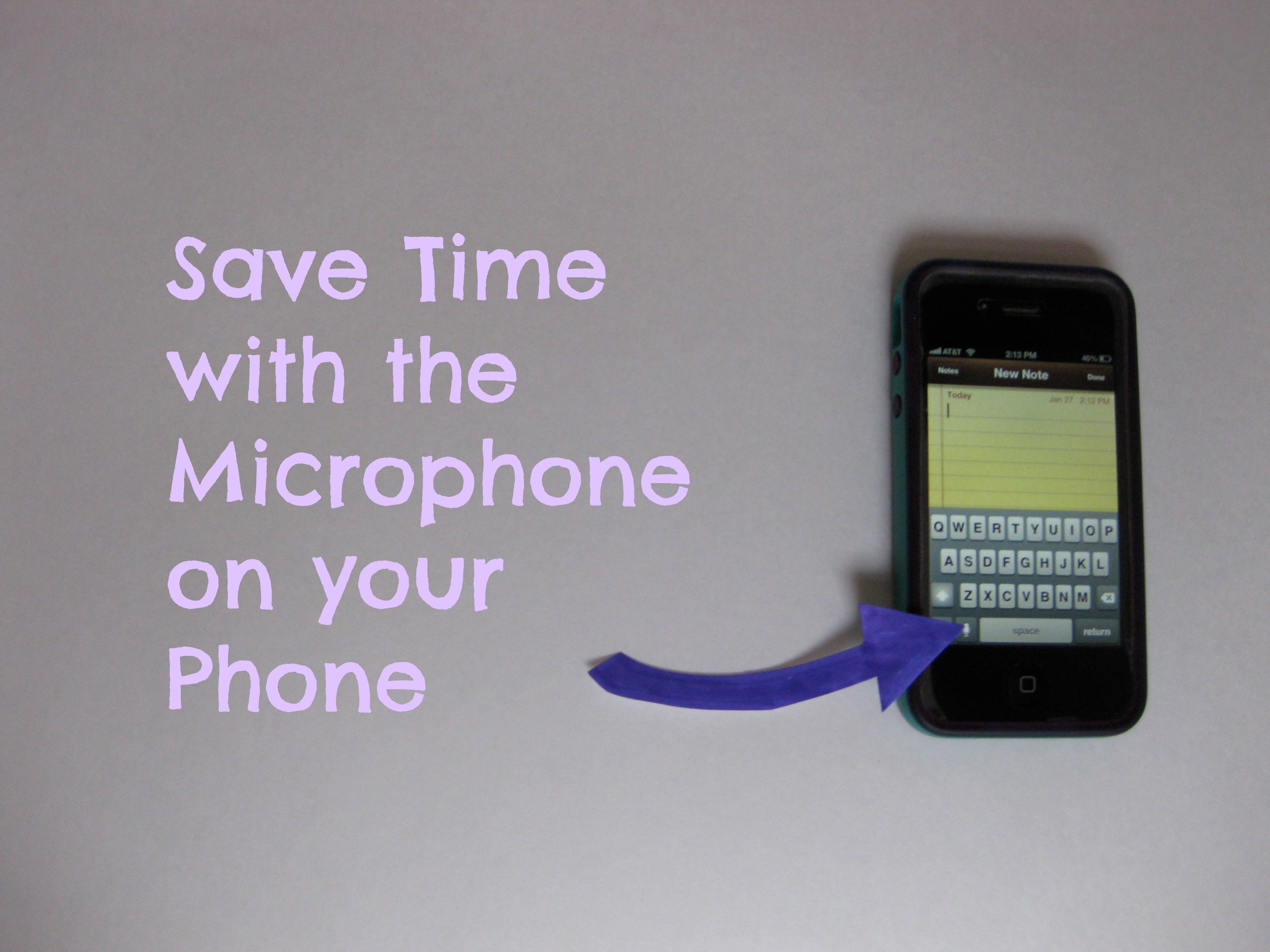
The future is upon us. I’m not sure how many smart phones do this, but I’ve been really loving the “microphone” feature on my iPhone! It saves me time because I don’t have to type everything out, but just say it instead.

Tap the microphone icon, say what you need to say, like “get milk and fig newtons.” Then, press “Done”.

Here are the top two ways I use the microphone:

1. For texting– it’s faster than typing (most of the time). You may have to correct some of the words, but I’m amazed at how well it understands what I say.

2. I like to use the “Notes” feature on my phone for quick notes when I don’t have paper. “Gift idea for Trevor…”, etc.

Does your phone have this feature? If so, do you use it? Are there other things it can do that I haven’t discovered yet?

~Carrie

Filed Under: Uncategorized

Carrie Lane
Welcome to my blog -- ideas about books, being a mom, teaching, green living, and whatever else comes to mind.
~Carrie

Follow Me on Pinterest
My Book Boost

My Book Boost is a resource to help beginning readers learn to read using library books. Check out the "Leveled Book List" page to see if it would be a good fit for your Preschooler, Kindergartener, or 1st grader!

My Book Boost


More Resources

Estimation

Estimation Unit for K-2

 Career Choices Checklist

Career Choices Checklist

 Comprehension Questions for Any Book

Comprehension Questions for Any Book

Letters and Numbers Sticker Book

My ABC 123 Sticker Book

 Career Choices Checklist

Letters and Numbers Recognition Assessment

 Wacky Word Problems for 1st and 2nd Grade

Wacky Word Problems for 1st and 2nd Grade

email: mybookboost@gmail.com

Copyright © 2026 · eleven40 Pro Theme on Genesis Framework · WordPress · Log in